

In short
Explore the benefits of iOS Apps on Apple Silicon Macs for SMBs. Enhance your productivity and workflow today!
Unlocking the Power of iOS Apps on Apple Silicon for SMBs
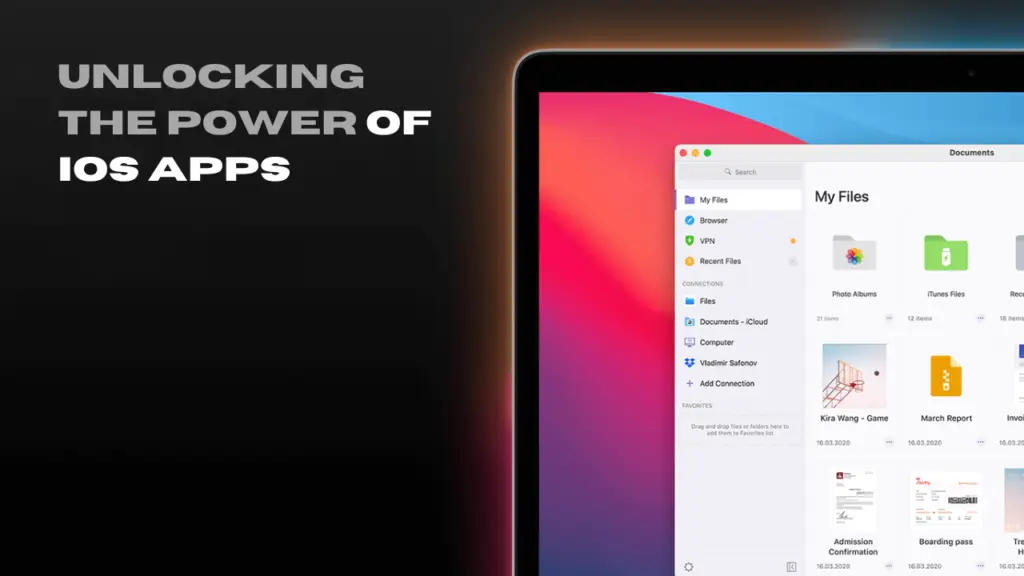
With Apple Silicon Macs, Small and Medium Businesses (SMBs) can now access iOS and iPadOS apps directly on macOS. This feature expands the app ecosystem for Mac users, allowing businesses to leverage tools from both platforms.
The Power of iOS Apps on macOS
Apple Silicon’s ARM architecture enables Macs with M-series chips to run iOS and iPadOS apps natively. These apps can be downloaded from the Mac App Store, offering SMBs new opportunities to optimize workflows and enhance productivity.
Advantages for SMBs
- Access to a Broader App Ecosystem
SMBs can now use mobile-only tools on their desktops and laptops, particularly valuable for businesses relying on industry-specific mobile apps.
- Enhanced Mobility and Continuity
Employees can work seamlessly across devices, improving efficiency and flexibility for hybrid and remote work setups.
- Optimized Workflows for Specific Use Cases
Industries like retail, healthcare, and real estate can integrate previously mobile-only apps into desktop workflows, enhancing daily operations.
- Cost Efficiency and Simplicity
Businesses can reduce the need for additional devices and simplify hardware investments and software licensing by running iOS apps on Mac.
How to Get Started
- Identify key apps critical to your workflows.
- Test compatibility using the Mac App Store.
- Optimize your ecosystem with Apple’s features like iCloud and Handoff.
- Partner with an MSP for deployment and optimization assistance.
As your MSP partner, we can help you navigate these opportunities, audit workflows, ensure proper configuration, and provide ongoing support. Contact us to explore how we can help streamline your operations and maximize productivity with Apple Silicon for your SMB.
Keep reading
More in IT Solutions →
FINRA and SEC IT Controls for Small Financial Firms in Maryland
Amended Regulation S-P (incident response, 72-hour vendor notice, 30-day customer notice), FINRA 4370, Reg S-ID, Maryland PIPA, and what examiners expect.

IT for New Mexico Cannabis Businesses: Track and Trace, POS, Cameras, and Compliance
Cannabis Control Division rules that are really IT rules: daily track-and-trace reconciliation, unique accounts, camera retention, and what managed IT covers.
Maryland PIPA Explained: What the Data Breach Law Requires of Small Businesses
Maryland PIPA after the 2022 amendments: 45 days from discovery, Attorney General notice first, 10-day vendor notice, reasonable security, and the IT…
Free, same business day
What would managed IT cost for your team?
Tell us how many computers and users you have. An engineer sends a per-user range, usually the same business day. No credit card, no bot.
- Live service specialist in about a minute, 24/7
- 21 offices across 18 states
- 60-day money-back guarantee
Get your instant IT support estimate
Tell us how many computers and users you have and we send a per-user range, usually the same business day.

